What it means
Showroom is a SET-UP menu item on Bertazzoni 36-inch ranges, reserved for retailer use. If the oven does not heat, the manual says to check that the showroom function is not on. Turn it off in the same menu.
Bertazzoni oven Showroom / Mode
Showroom is a SET-UP menu item on Bertazzoni 36-inch ranges, reserved for retailer use. If the oven does not heat, the manual says to check that the showroom function is not on. Turn it off in the same menu.
Printed elsewhere as Showroom
Showroom is a SET-UP menu item on Bertazzoni 36-inch ranges, reserved for retailer use. If the oven does not heat, the manual says to check that the showroom function is not on. Turn it off in the same menu.
Open the set-up menu by pressing MODE and then moving through the entries.
The oven does not heat with Showroom off.
Your Bertazzoni checklist, saved only on this device
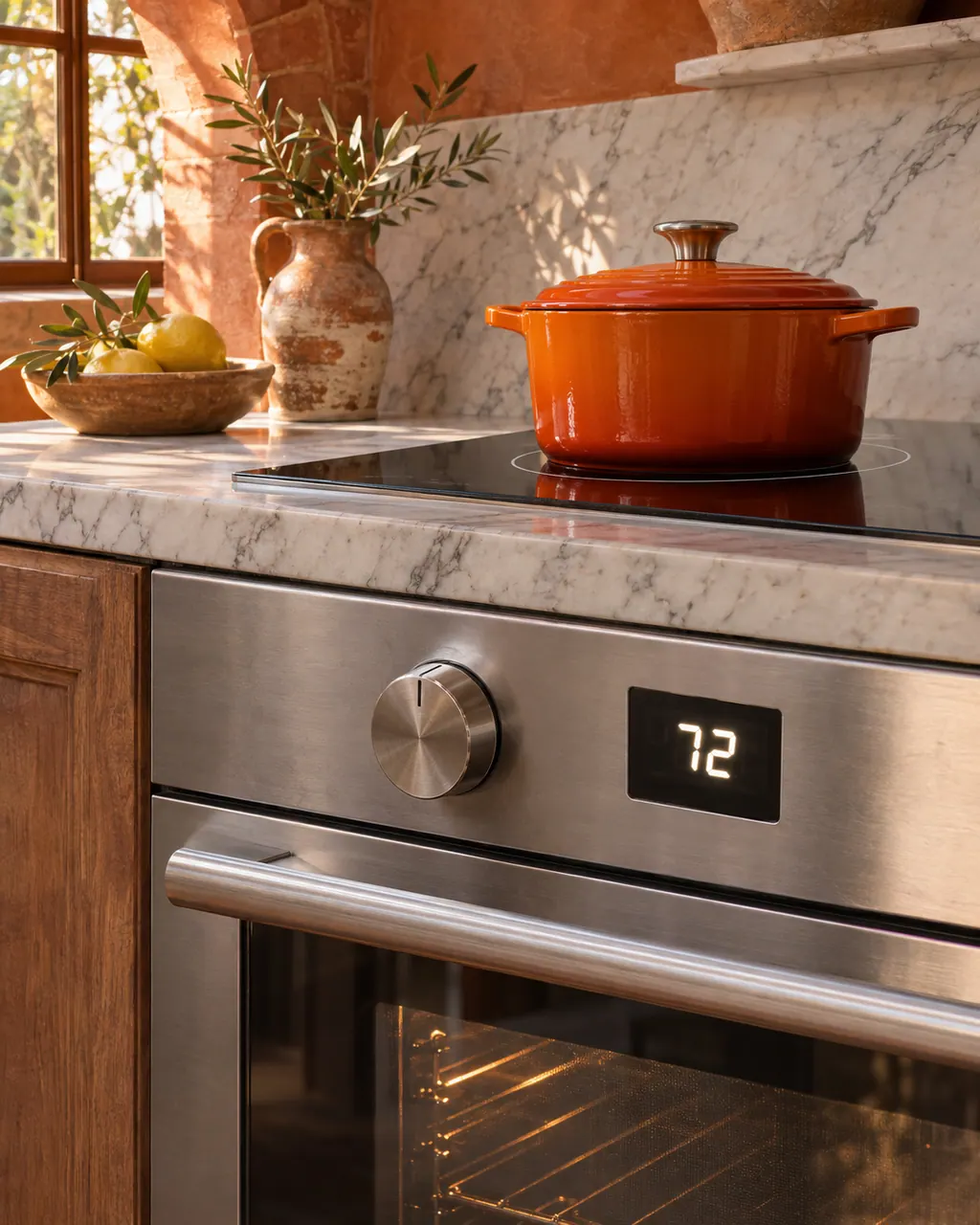
Open the set-up menu by pressing MODE and then moving through the entries.
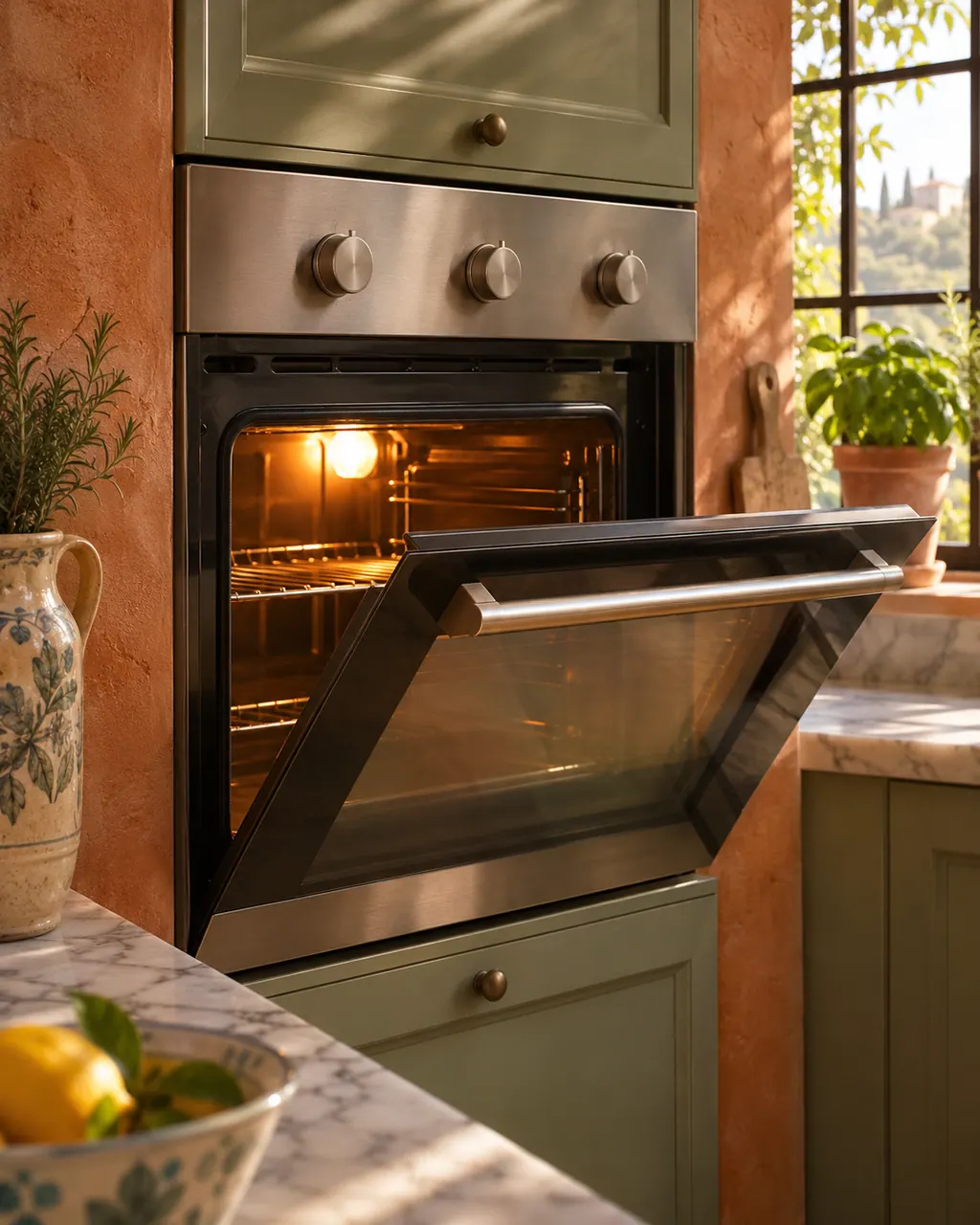
The items are language, 12h, 24h, time, volume, alarm volume and showroom.
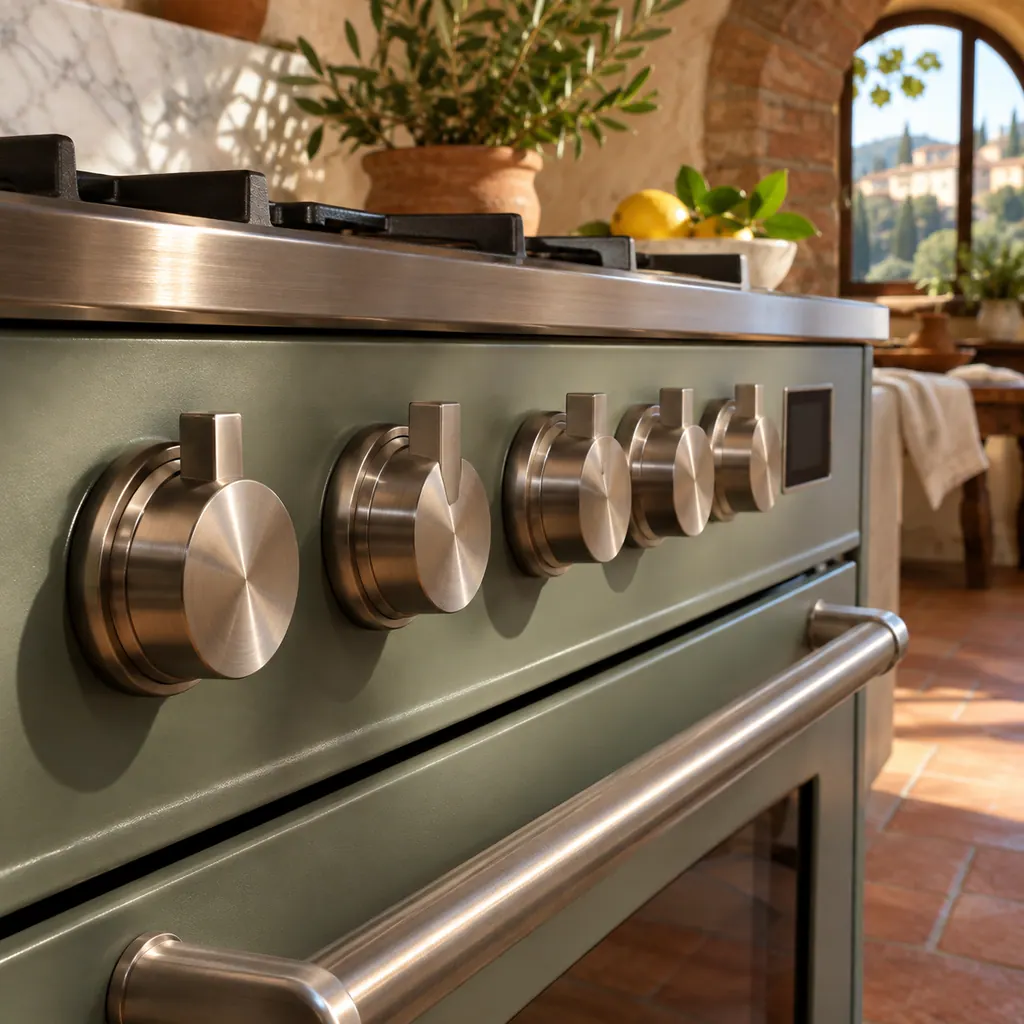
Scroll with the arrow buttons past language, 12h, 24h, time and the volume items until you reach showroom.
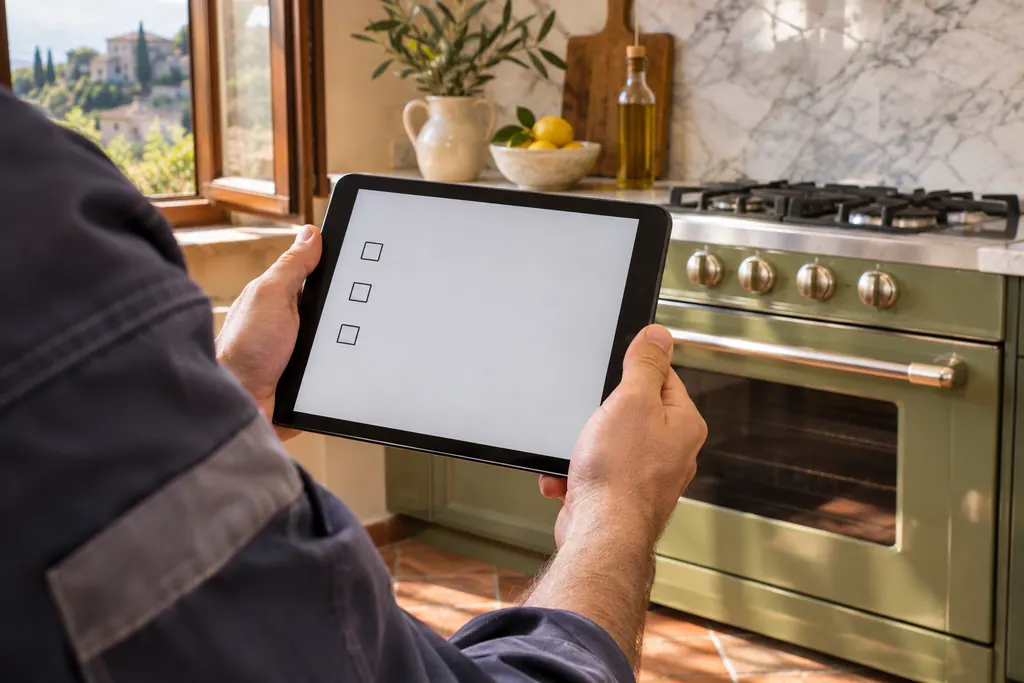
Switch the showroom function off, then try a bake function and check that the oven heats.
Tell us the model and which checks you have already done, then begin your request on this page.
Book a visit
A simplified sketch, because the inside of a Bertazzoni changes from one model to the next. Tap an outlined part to see its photo and the check that belongs to it.
A function reserved for retailer use only. It sits in the set-up menu with language and time.
Read the supporting manualThe troubleshooting says "The oven does not heat: check that the showroom function is not activated."
Read the supporting manualNo. The manual describes it as a setting.
Read the supporting manualManufacturer document
Bertazzoni S.p.A. (official manual PDF, us.bertazzoni.com Specifications Library)
form 3100996 (file 3100996_IU_EN_A3); PDF created 29.06.2026 / PDF p43, PDF p51
Manufacturer document
Bertazzoni S.p.A. (official manual PDF, us.bertazzoni.com Specifications Library)
form 3100831 (file 3100831_IU_EN_A3); PDF created 03.07.2024, modified 09.07.2024 / PDF p50
For Showroom: the 36-inch freestanding induction range with self-clean oven, taken from the induction cooktop and control-knob chapters of its Bertazzoni user manual. Gas and dual-fuel ranges do not have this signal.
No. It is a set-up menu item, reserved for retailer use, and it appears among settings, not as a display code.
It is meant for retailers who show the range on a sales floor. Owners should leave it off for normal cooking.
The manual mentions only the oven in its troubleshooting line, so we do not claim an effect on the induction cooktop.
Book a visit if the oven does not heat although the showroom function has been checked and is off.
Bertazzoni codes, symptoms, parts, service calls
Showroom mode on a Bertazzoni 30-inch steam assist wall oven runs the oven in DEMO mode: the display works but the oven does not heat or use power. An icon shows in the status bar. Switch it off if the oven will not heat.
On a Bertazzoni 36-inch dual fuel range, push the knob in and rotate it anti-clockwise to HIGH and keep holding it for 5 to 10 seconds after ignition, so the thermocouple warms. If it still fails, check that the cap sits right and the ports are clear. With any gas smell, nothing gets lit.
Book a diagnostic for your exact model, done at the appliance.
Office details, and what to tell us about getting in.