Inside the appliance
Column freezer electronic control. In plain English.
A Bertazzoni column freezer is run from a touch control panel that holds the temperature and shows messages. Its main icons are On/Off, Home, Alarm and Back. If something is wrong, touch Alarm to see the message and number. Power Failure!!, Door Unit OPEN, Replace filter and Check Cond are the printed messages.
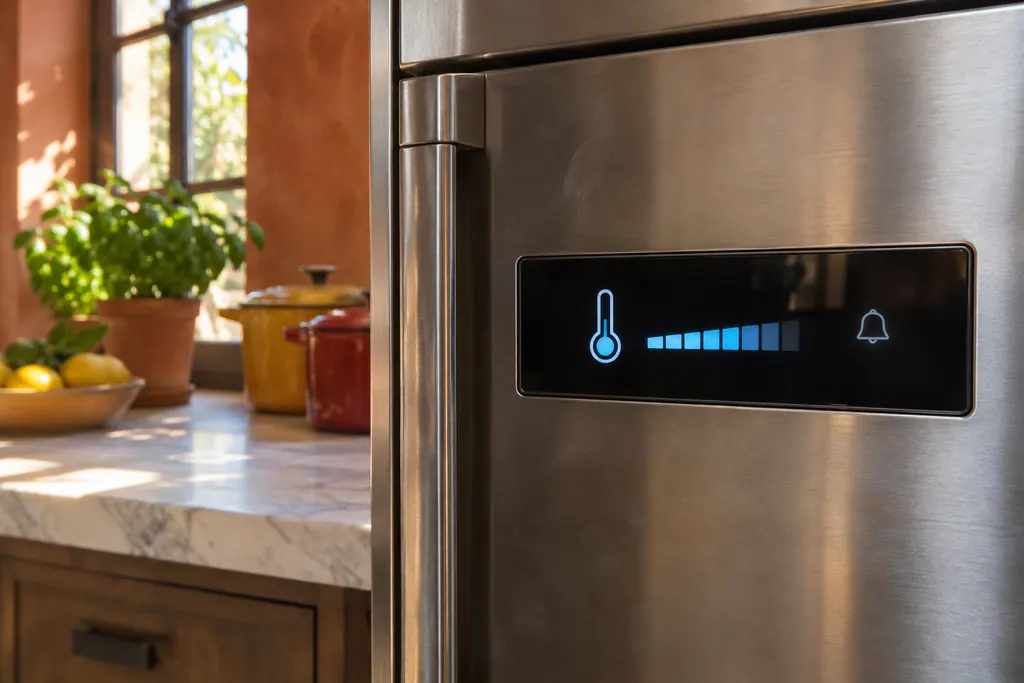
Where it fits.
Column freezer electronic control in the appliance
On the front of the freezer column. The manual lists the interactive control panel in its main components.
This photo stands for the kind of component only. It cannot say which replacement suits your model.
What looks different when this system needs a look.
Column freezer electronic control trouble may show up together with weaker performance or a code that keeps coming back. A test is needed to decide whether this component is the cause.
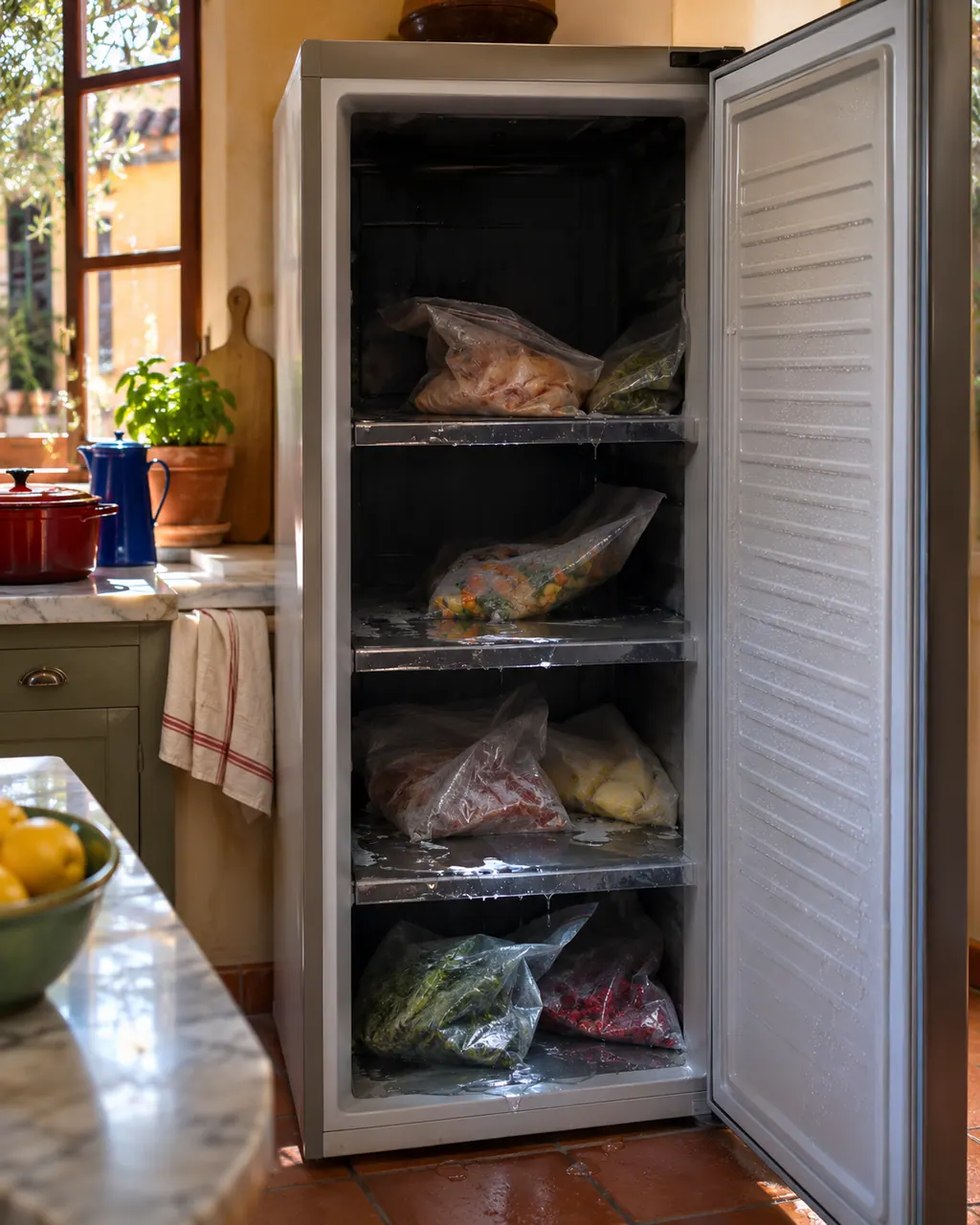
Bertazzoni column freezer is not working
If a Bertazzoni column freezer seems dead, check four things from the manual: power at the plug, the outlet, the Unit button, and demo mode. Lights on but no cooling is the demo-mode pattern, so do not rule it out because the display works.
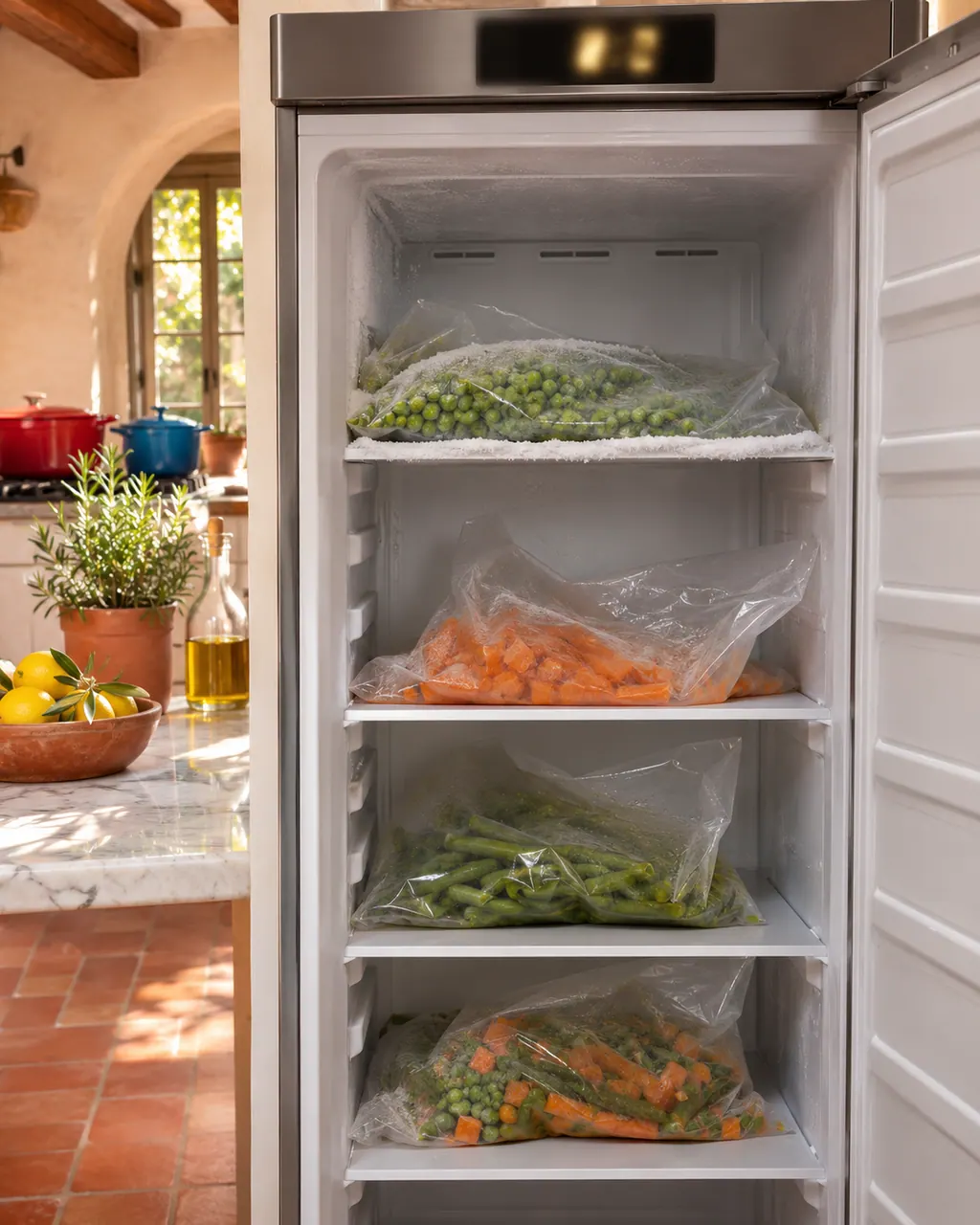
Bertazzoni column freezer warmer than usual
A freezer that runs warmer than usual is often a usage issue: doors left open, a big load just added, or a setting that moved. The manual lists these along with a dirty condenser prompt. If none apply and a code shows, a technician should look.
Owner care, within the model instructions.
Turn the appliance off and unplug it before any check you do yourself. Look out for pooled water and sharp debris. Never touch a wet plug or the electrical parts, take off a service panel or go past what your model’s instructions allow.
- 1
Touch Alarm to read it
The message shows for 3 seconds, or press the info icon to keep it on screen for 30 seconds. Several messages show in turn.
- 2
After a power cut
Power Failure!! appears after a long interruption. The freezer restarts by itself and shows the warmest temperatures reached.
- 3
Check the door
Door Unit OPEN appears a few minutes after the door is left open. Close it fully.
- 4
Note any Error Code
Functional problems show Error Code with a number. The manual prints no list of numbers, so write the number down.
Cleaning or replacement?
Leave internal testing to a technician.
An Error Code number appears and returns after switching the unit off and on.
The display is blank with power at the outlet.
The freezer stays warm well after power is back and a Power Failure!! message.
Arrange a diagnosticSee the neighboring components.
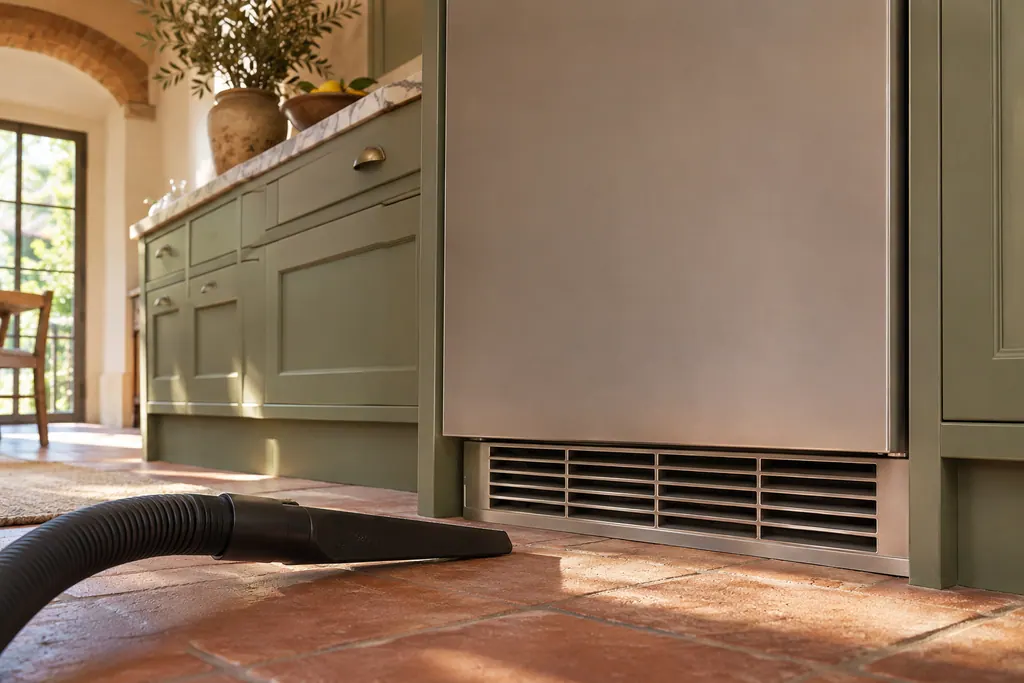
Column freezer condenser
Behind the front toe kick cover of a Bertazzoni column freezer sits the condenser. The manual asks for cleaning every 6 months with a vacuum and a soft brush, and a display reminder prompts it. After cleaning, touch the reset icon to restart the 6-month timer.
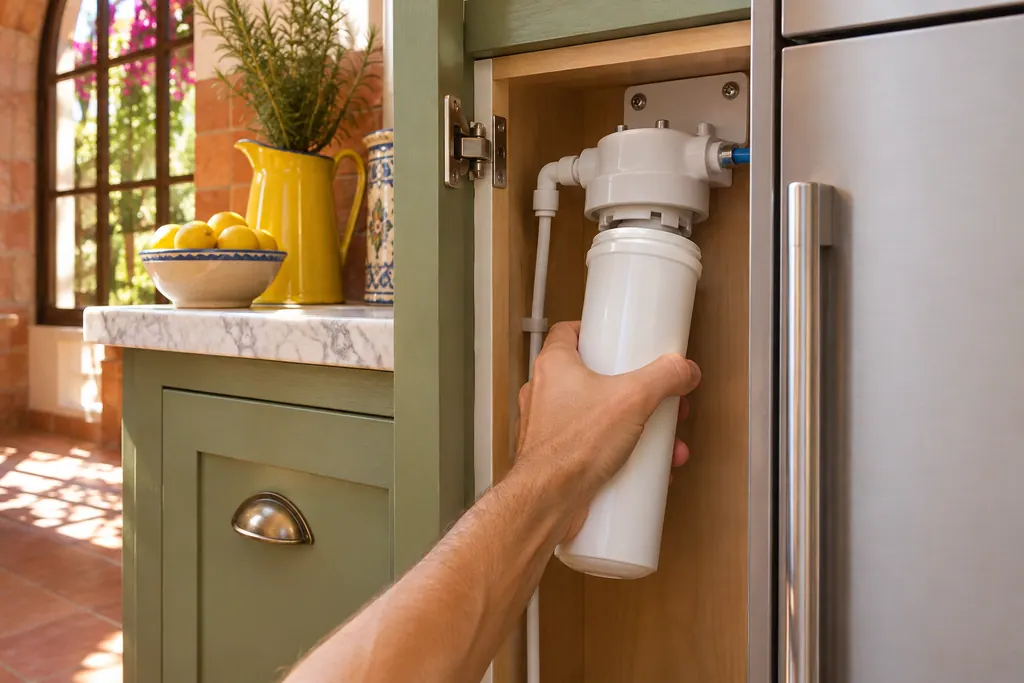
Column freezer water filter
Bertazzoni column freezers with an ice maker use a water filter cartridge. The manual says the disposable cartridge is replaced every 6 months, when it reaches its rated capacity, or earlier if the flow visibly drops. The display shows Replace filter when 30 percent of the capacity is left.
Sources and model boundaries.
These sources back up the Column freezer electronic control advice. Read the manual that belongs to your model.
- Built-in Columns Freezer / User manual (REF18FCIP*, REF24FCIP*, REF30FCIP* /23)
Follow the book written for your own model. Read how we research these pages.
How do I see an error message?
Touch the Alarm button. The display shows the message with its number for 3 seconds. Press the info icon to hold it for 30 seconds.
What does Power Failure!! mean?
Power was off for a long time. The freezer resumes work automatically and shows the warmest temperatures it reached.
What if there is more than one message?
The display shows them one after another in time sequence.
What does the Alarm icon do?
It shows the alarm tone functions so you can deactivate the sound, per the control panel description.
Bertazzoni codes, symptoms, parts, service calls
Turn what the display says into a sensible next step.
Error Code...
"Error Code..." followed by a number on a Bertazzoni column freezer marks a functional problem the owner cannot solve. The manual prints no list of numbers. Write the number down and book a visit.
Bertazzoni column freezer is not working
If a Bertazzoni column freezer seems dead, check four things from the manual: power at the plug, the outlet, the Unit button, and demo mode. Lights on but no cooling is the demo-mode pattern, so do not rule it out because the display works.
Freezer repair
Book a diagnostic for your exact model, done at the appliance.
Find your metro
Office details, and what to tell us about getting in.