On this page
- The 36-inch ranges keep a showroom item in SET-UP, reserved for retailers. 13
- The 30-inch wall oven shows a Showroom icon; the oven does not use power or heat. 4
- The over-the-range microwave exits DEMO MODE with a keypad sequence. 7
- Refrigerator demo mode survives a power cut, so check before loading food. 910
- OF means demo mode on the REF31BMF and a Sabbath mode confirmation on the RFD36. 910
Why will my new Bertazzoni not heat or cool?#
Showroom or demo mode is a likely reason: a setting made for store displays. In that mode the screen and lights work, yet the appliance produces no heat or cold. Several Bertazzoni manuals name it as the first check for an oven that stays cold. 123
This catches people who bought a floor model, an open-box unit or an appliance that sat on a trade-show stand. Everything looks alive: the display responds, the lamp comes on, a refrigerator even hums or shows temperatures. Yet nothing gets hot or cold, and the sensible conclusion is that it is broken. The manuals ask you to rule out the demo setting before anything else. 2412
| Product | What the manual calls it | What it does |
|---|---|---|
| 36-inch induction and dual fuel ranges | Showroom, a SET-UP item reserved for retailer use 13 | The oven does not heat when it is active 2 |
| 30-inch steam assist wall oven | SHOWROOM MODE, shown with an icon in the status bar 4 | The display works but the oven does not use power or heat 4 |
| Induction cooktop | Demo mode (C6) in the service menu 6 | The cooktop does not heat up 5 |
| Over-the-range microwave | The words DEMO MODE on the display 7 | Demo was switched on, and a keypad sequence ends it 7 |
| Built-in microwave | DEMO ON DURING DEMO NO OVEN POWER 8 | Cooking is shown off while the oven stays unpowered 8 |
| Refrigerator (REF31BMF) | Demo mode, the display shows OF 9 | Cooling is off 9 |
| Refrigerator (RFD36) | Demo mode 10 | The compressor stops and the defrost heater does not run 10 |
| Column refrigerator | Showroom mode with a symbol 11 | Cooling and all functions except the light are off 11 |
| Column freezer | Demo Mode 12 | Lights and false temperatures show, no cooling 12 |
How do I check a range or oven?#
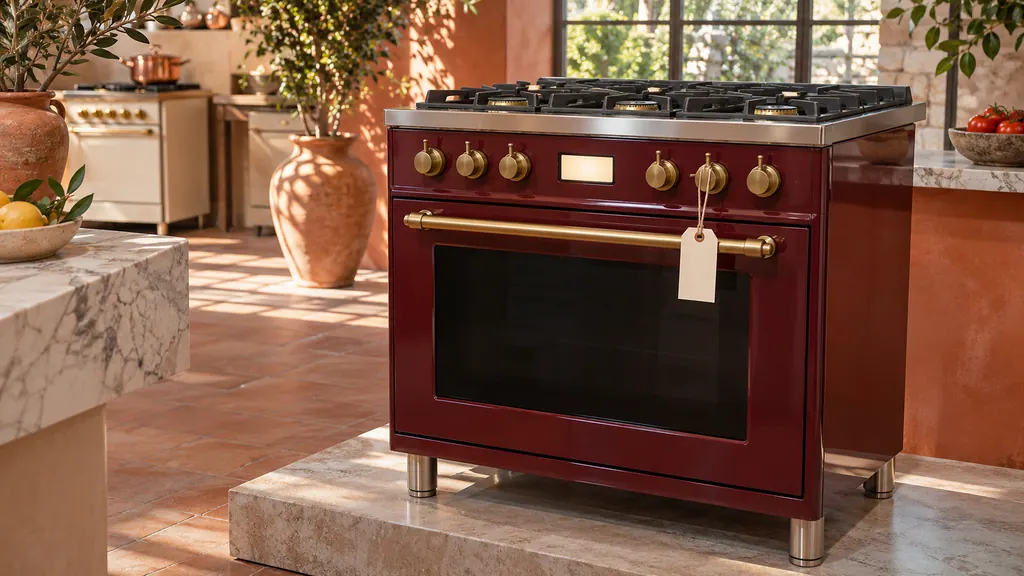
On the 36-inch ranges, press MODE, choose SET-UP and look for a showroom item among the language, clock, volume and alarm settings. The manual says this function is reserved for retailer use only, and its troubleshooting page says to confirm it is switched off when the oven stays cold. 123
The 36-inch induction and dual fuel manuals use the same wording, so the check is the same for both. 23 What they do not print is a step-by-step way to switch the showroom item off. We will not guess one here. If the item turns out to be on, a technician can clear it, since the manual keeps it for retailers. 1
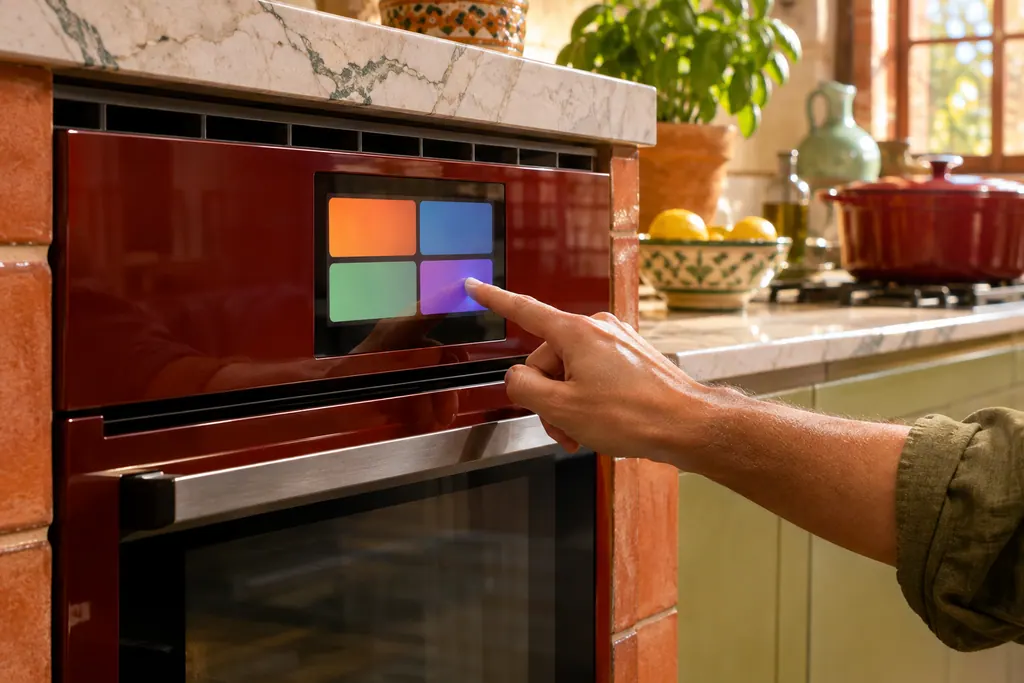
On the 30-inch steam assist wall oven, the settings menu is reached by touching HOME and then Settings. SHOWROOM MODE is one of the entries, next to language, time, connectivity, eco, brightness and audio. When it is on, an icon appears in the status bar along the foot of the screen. 4 The troubleshooting table asks whether DEMO MODE is activated when the oven fails to heat. 4
- 1
- 2
- 3
- 4
Stop and note what you see#
If a showroom item or icon is on, do not press further. Note it and book a visit.
What do the microwave and cooktop manuals say?#
An over-the-range microwave shows the words DEMO MODE; the manual says to deactivate it by pressing Power Level once, Start four times and Stop/Reset four times. A built-in microwave shows DEMO ON, and the cooktop manual puts its demo setting in the service menu for installers. 786
The built-in microwave is the easiest to reverse. Its manual starts the demo with TIMER/CLOCK, the digit 0 and a 3-second hold on START, and ends it with STOP/CLEAR after TIMER/CLOCK and 0. Pulling the plug and putting it back also works, the manual adds. 8
For the induction cooktop, the troubleshooting table lists DEMO mode as a reason the cooktop does not heat and sends you to the service menu. That menu is described as being for the installer or specialized personnel, and it lists C6 Demo mode with 1 for active and 0 for deactivated. 6 So the cooktop is one where we ask you not to experiment.
What about a refrigerator or a freezer?#
These matter most, because a unit in demo mode does not cool, and food stored in it spoils. The REF31BMF shows OF, the RFD36 manual warns that demo mode survives a power-off, and a column freezer or refrigerator may arrive in a showroom setting. 9101112
On the REF31BMF refrigerator, demo mode is for store display and prevents it from making cold air; the temperature area shows OF. The manual says to hold two buttons together for 5 seconds, until a long beep, to switch it off. 9 The RFD36 manual describes a sequence that shows temperatures stepping through values every 2 seconds while the compressor and defrost heater stay off, and warns that the mode stays on even if the unit loses power. If the mode was entered by accident, leave it as soon as possible, because the food will go bad. 10
OF has a second meaning on the RFD36, where it is the confirmation of Sabbath mode being switched off. 10 Check which model you own before you read it.
For the column refrigerator, the manual describes a showroom mode that you turn on from the menu until the symbol lights, and it says not to store food while it is on because the appliance stays at room temperature. 11 The freezer column manual covers the same trap: a unit used as a showroom model may be in a mode where it seems to be working, with lights and false temperatures, but without cooling, and it asks you to contact the point of purchase for help turning it off. 12
What looks like demo mode but is not?#
Several ordinary settings also leave a Bertazzoni quiet or dark. A cooktop showing the letter L has its child lock on, a microwave showing SERVICE reports a failed power supply, an oven in eco mode hides the clock, and a column freezer in Sabbath mode can cool with the display off. 45712
| You see | Meaning in the manual | Source |
|---|---|---|
| Letter L on the cooktop | Child lock is on | 5 |
| SERVICE on a microwave | The oven's power supply has failed | 7 |
| No clock in standby, light off while cooking | ECO mode is set | 4 |
| Cooling but lights and display off (column freezer) | It may have been put into Sabbath mode | 12 |
The first and third rows are quick to put right from the settings. The second is not a setting at all, and it calls for a technician. 7
What if demo mode is ruled out and it still fails?#
Arrange a visit if a new or second-hand appliance shows a showroom or demo sign and you cannot clear it with the steps printed for your model, or if the symptoms stay after demo mode has been ruled out. 249
We are an independent repair service, unconnected to Bertazzoni. If the manufacturer's warranty applies, it goes to the manufacturer; a floor model may also have cover from the seller, so ask there first. For any other repair, we go through the cost with you after diagnosing it and before starting.
Learn what an oven visit or a refrigerator visit involves. Through the booking form, tell us where the unit was bought and what the screen or icon shows.
Sources#
- INSTALLATION MANUAL / USER AND MAINTENANCE MANUAL / FREESTANDING ELECTRIC RANGES, INDUCTION WORKTOP, ELECTRIC SELF CLEAN OVEN MODELBertazzoni S.p.A. (official manual PDF, us.bertazzoni.com Specifications Library) · form 3100831 (file 3100831_IU_EN_A3); PDF created 03.07.2024, modified 09.07.2024 · PDF p42: gauge SET-UP, showroom item
- INSTALLATION MANUAL / USER AND MAINTENANCE MANUAL / FREESTANDING ELECTRIC RANGES, INDUCTION WORKTOP, ELECTRIC SELF CLEAN OVEN MODELBertazzoni S.p.A. (official manual PDF, us.bertazzoni.com Specifications Library) · form 3100831 (file 3100831_IU_EN_A3); PDF created 03.07.2024, modified 09.07.2024 · PDF p50: troubleshooting, the oven does not heat
- INSTALLATION MANUAL / USER AND MAINTENANCE MANUAL / FREESTANDING DUAL FUEL RANGES, GAS WORKTOP, ELECTRIC SELF CLEAN OVEN MODELBertazzoni S.p.A. (official manual PDF, us.bertazzoni.com Specifications Library) · form 3100996 (file 3100996_IU_EN_A3); PDF created 29.06.2026 · PDF p43 and p51: gauge SET-UP and troubleshooting
- USER AND MAINTENANCE MANUAL / 30" STEAM ASSIST ELECTRIC WALL OVEN / 30" STEAM ASSIST ELECTRIC DOUBLE WALL OVENBertazzoni S.p.A. (official manual PDF, us.bertazzoni.com Specifications Library) · PDF created 23.07.2026, modified 24.07.2026 (no printed edition) · PDF p14-15 and p38: status bar icons; SHOWROOM MODE setting; troubleshooting
- INSTALLATION MANUAL / USER AND MAINTENANCE MANUAL / INDUCTION COOKTOPBertazzoni S.p.A. (official manual PDF, us.bertazzoni.com Specifications Library) · file name "11164 ... NA_2_1"; PDF created 02.02.2026 · PDF p32 and p36: C6 demo mode; cooktop does not heat up
- INSTALLATION MANUAL / USER AND MAINTENANCE MANUAL / INDUCTION COOKTOPBertazzoni S.p.A. (official manual PDF, us.bertazzoni.com Specifications Library) · file name "11164 ... NA_2_1"; PDF created 02.02.2026 · PDF p32: service menu
- INSTALLATION MANUAL / USER AND MAINTENANCE MANUAL / OVER THE RANGE MICROWAVE OVENBertazzoni S.p.A. (official manual PDF, us.bertazzoni.com Specifications Library) · PDF created 08.06.2023, modified 09.10.2023 (no printed edition) · PDF p33: DEMO MODE
- BUILT-IN MICROWAVE OVEN / USE & CARE MANUAL / Model MO30STANE/24Bertazzoni S.p.A. (official manual PDF, us.bertazzoni.com Specifications Library) · printed "Aug 6, 2024 TINSLB019MRR4"; file name "rev2" · PDF p21-22: demonstration mode
- USER AND MAINTENANCE MANUAL / REFRIGERATOR REF31BMFIXNV AND REF31BMFXNVBertazzoni S.p.A. (official manual PDF, us.bertazzoni.com Specifications Library) · file name "rev 5"; PDF created 30.05.2024, modified 17.09.2026 · PDF p28: demo mode (OF)
- USER AND MAINTENANCE MANUAL / REFRIGERATOR RFD36FZNX AND RFD36FZNWBertazzoni S.p.A. (official manual PDF, us.bertazzoni.com Specifications Library) · PDF created 26.01.2026 (no printed edition on the cover) · PDF p24: demo mode and Sabbath mode
- REFRIGERATOR INSTALLATION AND USE MANUAL (REF18FCBIPRV, REF18FCBIPLV, REF24FCBIPNV, REF24RCBPNV, REF30RCBPNV)Bertazzoni S.p.A. (official manual PDF, us.bertazzoni.com Specifications Library) · file name "v.04"; PDF created 03.07.2024, modified 14.01.2026 · PDF p10: 3.13 Showroom mode
- Built-in Columns Freezer / User manual (REF18FCIP*, REF24FCIP*, REF30FCIP* /23)Bertazzoni S.p.A. (official manual PDF, us.bertazzoni.com Specifications Library) · PDF created 19.09.2022, modified 30.05.2024 (no printed edition) · PDF p32-33: troubleshooting (Demo Mode)